Safer Christmas Shopping With Password Managers and Virtual Cards
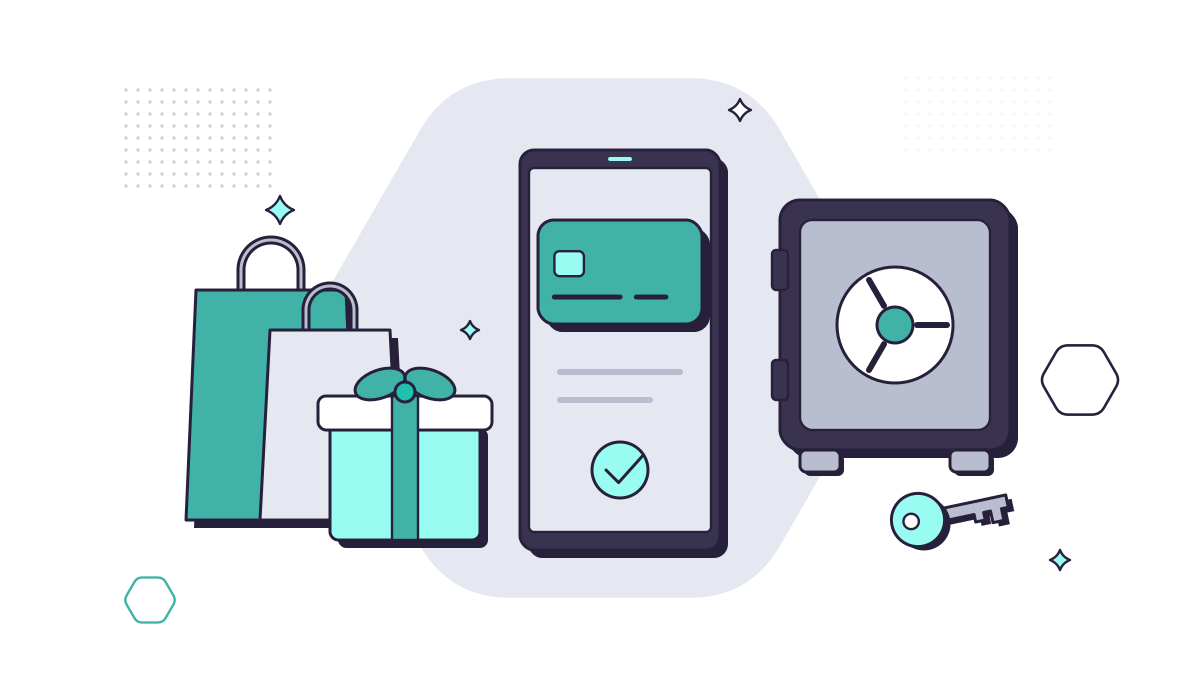
Online shopping is quick and often cheaper, but the run-up to Christmas is also a busy time for fraudsters. Two tools take care of most of the risk with very little effort: a password manager, so each shop has its own strong password, and virtual card numbers, so your real card details aren’t sitting in dozens of retailers’ systems.
Why this matters
UK Finance’s Annual Fraud Report 2026 shows the scale:
- Purchase scams, where you pay for goods that never arrive, reached their highest level on record in 2025: 175,809 cases and £118.1m lost. They made up 71% of all authorised push payment scam cases.
- Card fraud online (“remote purchase fraud”, where stolen card details are used to buy things) cost £423.5m in 2025, across nearly 3.2 million cases.
UK Finance also notes that criminals use fake social media profiles to advertise discounted items, and that they trick shoppers into handing over one-time passcodes to approve payments.
Part 1: Use a password manager
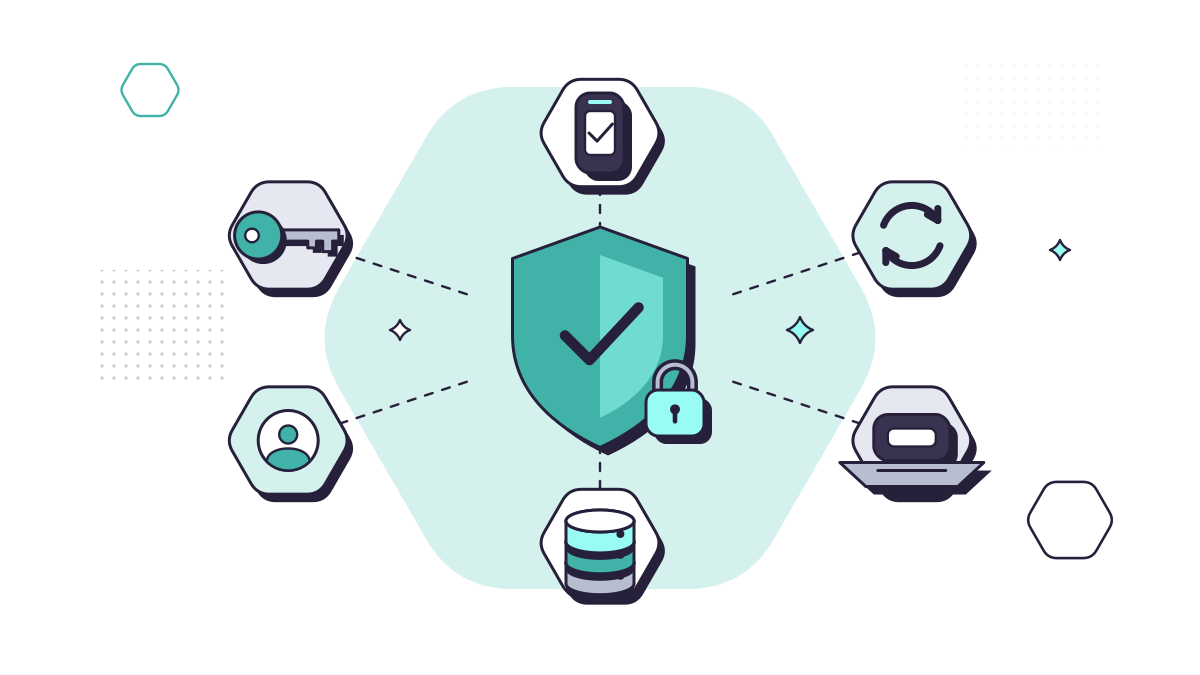
Most people reuse passwords for shopping sites because they’re created in a hurry at checkout. When one of those sites is breached, criminals try the same email and password on others. A password manager fixes this. The NCSC recommends them because they:
- generate a strong, different password for every account;
- fill in your details only on the website they were saved for, which helps you spot a fake shop;
- work across your phone, tablet and computer;
- often warn you if a password appears in a breach.
Setting one up
- Choose a reputable one. Many are free or low cost, and the one built into your browser or phone is a reasonable start on your own devices. Download it from the official website or app store only.
- Protect it properly. Give it a strong primary password, such as three random words, and switch on two-step verification.
- Update your shopping accounts. Start with the shops that store your card or address, and replace each password with a generated one.
- Use guest checkout where you don’t need an account. Fewer accounts means fewer places your details can leak from.
Our guide to creating strong passwords covers the basics, and our guide to cyber security for small businesses covers password managers and passkeys.
Part 2: Pay with virtual card numbers
A virtual card is a separate card number, expiry date and security code linked to your account, created in your banking or card app. The shop sees the virtual details, not your real card.
The main types are:
- Single-use cards, which change after each purchase. Revolut’s, for example, generate new details after one use or after 24 hours, and won’t work for subscriptions or hotel deposits.
- Multi-use cards, which you can keep for one shop or subscription and freeze or delete whenever you like.
Making the most of them
- One card per shop or subscription. If a retailer is breached, you delete that card and nothing else is affected.
- Use the controls. Many apps let you freeze a card instantly or set a spending limit, which also helps the Christmas budget.
- Check the protection. Section 75 of the Consumer Credit Act makes a credit card provider jointly liable for purchases of a single item over £100 and up to £30,000 if something goes wrong. Debit cards don’t have Section 75, so check what your provider offers before relying on a virtual debit card for a big purchase.
Not every bank offers virtual cards, so check your app. Even where they’re not available, your bank’s card controls and instant notifications help.
Habits that matter as much as the tools
- Type the shop’s address yourself, or use a bookmark, rather than clicking through an advert, email or text.
- Pay by card, not bank transfer. UK Finance notes that purchase scammers persuade victims to move off the platform and pay by bank transfer, because the money is harder to recover.
- Never share a one-time passcode. It’s for you to type in, not to read out or forward to someone who contacts you.
- Be wary of delivery texts and emails. December is peak season for fake parcel messages. See our guide to scam texts.
- Act on alerts. If your bank, password manager or card app flags something, deal with it straight away.
- Use mobile data rather than unknown public Wi-Fi for payments when you’re out.
Shopping on work devices
Plenty of Christmas shopping happens at a desk in a lunch break. That means fake delivery emails, bogus shops and stolen passwords can reach your business too. If staff reuse a work password on a shopping site, a breach there becomes a risk to your Microsoft 365 accounts. Our cyber security service includes email protection, DNS filtering to block known-bad websites and security awareness training for staff.
If something goes wrong
- Call your bank on the number on your card, or dial 159, and freeze or cancel the card.
- Change the password for that shop, and anywhere else you used it.
- Report fraud to Report Fraud (England, Wales and Northern Ireland) or Police Scotland on 101.
Questions people ask
Is it safe to save my card details in my browser?
It’s convenient, but anyone who gets into your browser or device may be able to use them. Saving a virtual card instead of your main card, and protecting your device with a PIN or password, reduces the risk.
Do virtual cards have the same protection as my normal card?
It depends on the provider and on whether the virtual card is linked to a credit or a debit account. Section 75 protection applies to credit card purchases, not debit cards, so check your provider’s terms before relying on it.
Should I pay by bank transfer if a seller offers a discount?
No. Purchase scammers push people towards bank transfers because the money is harder to get back. Pay by card, or through the platform’s own payment system.