How to Create Strong Passwords You’ll Actually Remember
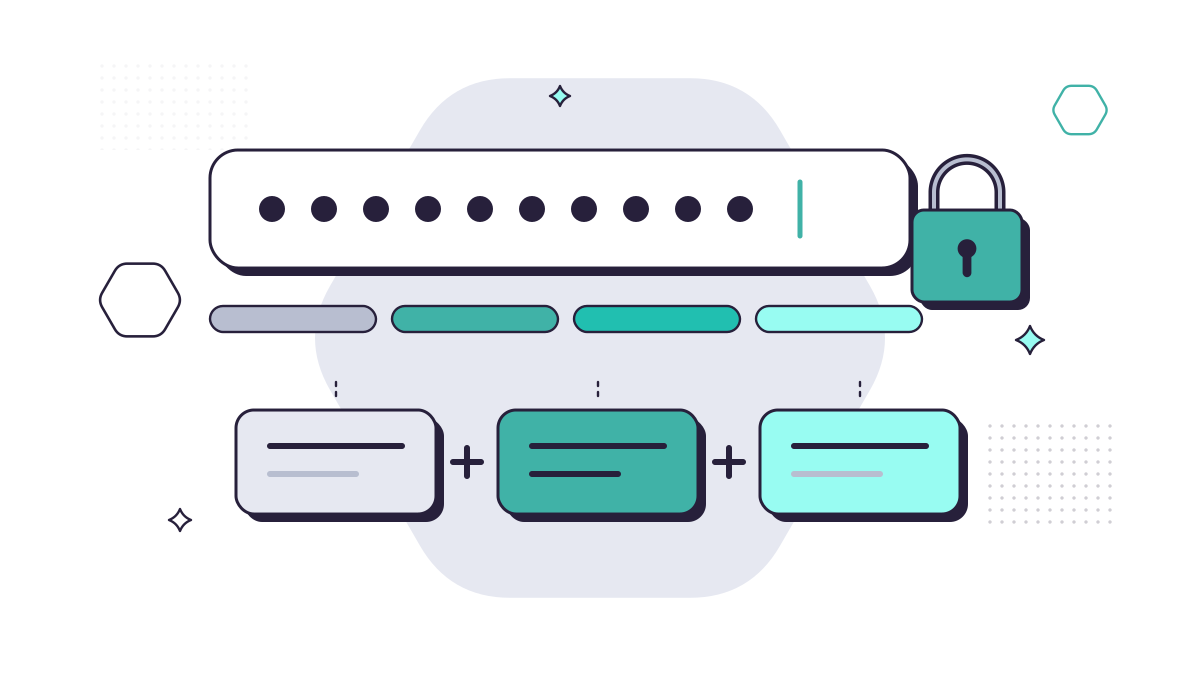
The strongest password you can remember is a long one, not a complicated one. The National Cyber Security Centre’s advice is to combine three random words into a password that is “long enough and strong enough”. Then make every important password different, and let a password manager do the remembering.
Use three random words
Pick three words that have nothing to do with each other or with you, and run them together, something like lanternpebblewalrus (but not that one, now it’s been published). It’s long, which makes it slow to guess, and it’s far easier to remember than Jg!7x#Qp.
What to avoid, according to the NCSC:
- common passwords, such as “password” or “123456”;
- significant dates, like birthdays and anniversaries;
- the names of family members, pets or sports teams;
- swapping letters for look-alike numbers or symbols, such as 0 for o or @ for a. Criminals’ tools already try these, so they add little.
If a website insists on a capital letter, a number or a symbol, add one, but keep the three words as the backbone.
Make every password different
Reusing a password is the bigger risk. When one website is breached, criminals try the leaked email and password combinations on email, banking and Microsoft 365 accounts. If you reuse passwords, one breach becomes many. We explain this and other takeover tricks in 7 unexpected ways criminals get into business accounts.
The NCSC recommends checking Have I Been Pwned to see whether your email address has appeared in a public breach, and changing any password that has.
Start with your email account. Whoever controls your email can reset most of your other passwords, so give it the strongest, most unique password you have.
Let a password manager remember them
Nobody can remember dozens of different passwords, and you shouldn’t try. A password manager stores them safely and fills them in for you. The NCSC lists the benefits:
- it can generate strong, unique passwords;
- it fills in passwords only on the website they belong to, which helps protect you from fake sites;
- it syncs across your devices;
- many will warn you if a password appears in a breach.
Protect the password manager itself with a strong primary password (three random words works well) and two-step verification. The password manager built into your browser is fine on your own devices, but don’t save passwords on a shared computer.
For a practical example, our guide to safer online shopping shows a password manager alongside virtual cards.
Add two-step verification, or use a passkey
Even a perfect password can be stolen by a fake sign-in page. Two-step verification (2SV, also called MFA) asks for a second proof, such as an approval in an authenticator app, so a stolen password isn’t enough.
Where a service offers a passkey, use it. Passkeys let you sign in with your fingerprint, face or device PIN, and they only work on the real website. In April 2026 the NCSC said it would recommend passkeys wherever a service supports them, with 2SV as the fallback. A code sent by text is the weakest form of 2SV, but still far better than none.
What Cyber Essentials expects from a business
If your business has, or wants, Cyber Essentials, the April 2026 requirements are clear:
- Multi-factor authentication must be on for every cloud service that offers it, including Microsoft 365. Not doing so is now an automatic fail.
- Where passwords are used without MFA, they must be at least 12 characters, or at least 8 characters with automatic blocking of common passwords.
- Help people choose good passwords: encourage three or more random words, explain what to avoid, and provide secure storage such as a password manager.
- Don’t force regular password changes and don’t enforce complexity rules. Both lead to weaker, predictable passwords.
- Have a process to change passwords promptly if one is known or suspected to be compromised.
You can see how your business measures up with our free Cyber Essentials checklist.
A few good habits
- Don’t share passwords by email or chat. If someone needs access, give them their own account, or use the sharing feature in a business password manager.
- If you must write a password down, keep it somewhere secure and locked, not on a sticky note on the monitor.
- Change a password straight away if you think someone else might know it.
Passwords will be with us for a while yet. Three random words, one per account, kept in a password manager and backed by 2SV or a passkey, is the combination that works.
Questions people ask
Should I add numbers and symbols to my password?
You don’t need to. The NCSC says swapping letters for numbers or symbols, like 0 for o, adds little because criminals know the tricks, and it makes passwords harder to remember. Length matters more. If a website insists on a number or symbol, add one, but keep the three words.
How often should we make staff change their passwords?
Only when there’s a reason, such as a suspected breach. The Cyber Essentials requirements advise against forcing regular password changes, because people respond with weaker, predictable passwords.
Is it safe to type my password into an online strength checker?
Don’t type a real password into any website you don’t trust. A good password manager will tell you which of your saved passwords are weak, reused or have appeared in a breach.
Sources
- NCSC: Three random words
- NCSC: Password managers
- NCSC: Passkeys are more secure than traditional ways to log in (April 2026)
- NCSC: Cyber Essentials requirements for IT infrastructure v3.3 (April 2026)
- IASME: Important update, changes to Cyber Essentials for April 2026
- NCSC: Data breaches, guidance for individuals and families