Business Email Hacked? What to Do in the First Hour
This post is for the moment you realise a criminal is already using one of your mailboxes. Perhaps a client has rung to ask about an invoice you never sent, or someone has noticed replies going missing.
If a colleague has only just typed their password into a fake page, start with the “If someone has already clicked” steps in our phishing guide. Everything below assumes the account is being used by someone else, in Microsoft 365, and that you or your IT provider can get into the admin centre.
If you’d rather hand it over, call our 24/7 emergency line on 01482 274969. Not a client? Tell us what’s happened, and if we can help, we’ll tell you the charge at our published rates before we start.
What the attacker is doing in the mailbox
A taken-over mailbox is valuable because it’s trusted. Once inside, criminals usually do some or all of these things:
- Read. They go back through months of email to learn who pays whom, when invoices go out and how people write.
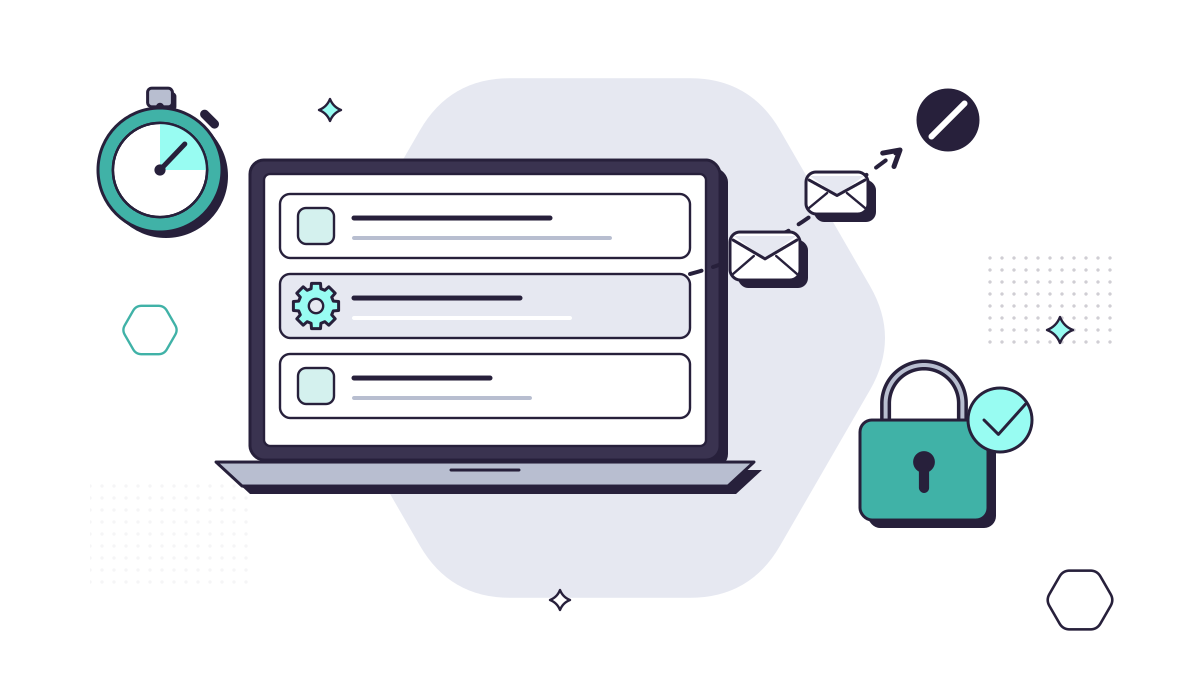
- Hide. They create inbox rules that move replies out of sight or delete them, so the real owner doesn’t see a client asking “is this genuine?”. Microsoft lists rules that move messages to the Notes, Junk Email or RSS Subscriptions folders as a common sign.
- Copy mail out. They forward messages to an outside address, through a rule or through the mailbox’s own forwarding setting, so they keep reading even after they lose access.
- Ask for money. They send invoices or “our bank details have changed” messages from the real address, often in reply to a genuine conversation. Our guide to business email compromise and payment diversion fraud explains how that works.
- Spread. They send phishing emails to everyone in the address book, because a message from someone you know gets opened.
- Dig in. They add their own phone or authenticator app as a sign-in method, or give a malicious app permission to read the mailbox, so they can get back in later.
Microsoft’s own list of symptoms of a compromised account also includes changed email signatures, unexplained lockouts and the mailbox being blocked from sending, which happens when it has been used to send large amounts of spam.
First, shut them out
Do these in order, and keep a note of what you find and when. You’ll need it later.
- Disable the account, or at least reset its password. Microsoft’s advice is to disable the account while you investigate, if you can. If you can’t, reset the password from a different device, to something new and strong, and don’t send the new password to the person by email, because the attacker may still be reading it. App passwords aren’t revoked by a password reset, so delete those too.
- Sign the account out everywhere. In the Microsoft Entra admin centre, revoke the user’s sessions. Without this, someone who is already signed in can stay signed in after the password changes. It can take up to an hour to take full effect.
- Check the sign-in methods. Remove any phone, authenticator app or security key that the person doesn’t recognise, and make sure multi-factor authentication is switched on.
- Check the apps. Look at the applications the user has given consent to and remove anything that shouldn’t be there. A malicious app can keep reading mail with no password at all.
- Check admin roles. If the account had any administrator rights, or has gained some, remove them. A compromised admin account needs treating as a much bigger incident.
Then, find what they changed
With the attacker shut out, work out what they did. Microsoft’s response guide is the reference for your IT provider; these are the places to look.
- Inbox rules, including hidden ones. Rules in Outlook are only part of the picture. An administrator can list every rule on the mailbox, including hidden ones, and should delete any the owner didn’t create.
- Mailbox forwarding. Separate from rules, a mailbox can be set to forward everything to another address. Check it, and remove anything unexpected.
- Sent Items and Deleted Items. Look for messages the owner didn’t write, and for deleted replies. A message trace in the Microsoft Defender portal lists what the mailbox sent, which helps if the attacker deleted their copies.
- The sign-in log. In the Microsoft Entra admin centre, the sign-in logs show the IP address, location, time and result of each sign-in (Microsoft’s response guide explains where to look). If it was within the last 30 days, they tell you when the attacker first got in, and so how far back you need to look.
- The audit log. Search it from just before the first suspicious sign-in, without filtering by activity at first, to see what else was touched: files in OneDrive or SharePoint, other mailboxes, settings.
- Other accounts. If the same password was used anywhere else, change it there too, as the NCSC advises in Recovering a hacked account.
Once you’re sure the account is clean, re-enable it with a new password. If Microsoft blocked it from sending, an administrator has to remove it from the Restricted entities list before email will flow again.
Who to tell
Your IT provider, straight away, if someone else looks after your Microsoft 365. Several of the steps above need administrator access.
The people the attacker may have emailed. The NCSC suggests telling your contacts so they know not to trust recent messages from the account. Use the sent items and the message trace to work out who was contacted. Phone the people most at risk first, such as clients or suppliers who are expecting to pay you, and tell them not to act on any recent request to change bank details without calling you on a number they already hold. Don’t send the warning from the affected mailbox until it’s clean.
Your bank, immediately, if money has moved. Call the number on its website or your card. Speed matters more than anything else here. The business email compromise guide covers what happens next, including who is covered by the reimbursement rules.
Report Fraud. If money was lost or someone tried to defraud you, report it to Report Fraud (reportfraud.police.uk or 0300 123 2040), which replaced Action Fraud in December 2025. In Scotland, call Police Scotland on 101, as the NCSC advises.
Your insurer, if you have cyber insurance. Policies can have their own rules on telling them about an incident, so check yours early.
The ICO question
A mailbox is full of personal data: clients’ names and addresses, and often far more. The ICO defines a personal data breach as a breach of security leading to the destruction, loss, alteration, unauthorised disclosure of, or access to, personal data, so a criminal reading a mailbox counts.
Whether you have to report it depends on the risk to the people whose data it was. If the breach is likely to put them at risk, you must tell the ICO as soon as possible, and where feasible within 72 hours of becoming aware of it. If the risk to them is high, you must tell them too. The ICO says to record every breach, whether or not it needs reporting. The 72 hours start when you become aware of the breach. You can report what you know and add details later, so the notes you kept while shutting the attacker out matter here.
Our UK GDPR guide explains how to judge the risk and what to put in the record. This isn’t legal advice; if you’re unsure, talk to your solicitor or call the ICO.
After the first hour
When things are calm, look at how it happened. Mailbox takeovers often start with a fake sign-in page, a reused password or a stolen session; our post on fake Microsoft 365 sign-in pages covers the first and how to stop it.
A few settings make the next one much harder:
- Multi-factor authentication on every account, and phishing-resistant sign-in methods for administrators, as Microsoft recommends.
- Automatic forwarding to outside addresses switched off, unless you need it. Microsoft’s forwarding controls let you block it for the whole company, and advise setting it to on or off explicitly rather than leaving it on the automatic default.
- Someone watching sign-ins. On MYLE Premium, our Cyber Security service includes 24/7 threat detection, so unusual sign-ins are picked up around the clock.
- A short written plan, so the next person to find a hacked mailbox knows who to call and what to do first.
Questions people ask
How do I know if a work email account has been hacked?
Common signs are inbox rules nobody set up (especially ones that forward mail or move it to folders such as RSS Subscriptions or Junk Email), forwarding to an outside address, sent messages the owner didn’t write, replies that never arrive, a changed email signature, and sign-ins from places or at times that don’t fit. Microsoft also lists a mailbox being blocked from sending as a sign.
Is changing the password enough?
No. A criminal who is already signed in can stay signed in after a password change, so the account also needs signing out of every session. They may also have added their own phone or app as a sign-in method, given an app access to the mailbox, or set up rules and forwarding that keep working without them. Each of those has to be found and removed.
Do we have to report a hacked mailbox to the ICO?
If the mailbox held personal data, someone getting into it without permission counts as a personal data breach. You must report it to the ICO, where feasible within 72 hours of becoming aware, if it’s likely to put people at risk, and you should record it either way. Our UK GDPR guide explains how to decide. This isn’t legal advice.
Should we email our clients to warn them?
Yes, warn anyone the criminal may have contacted, but not from the affected mailbox until you’re sure it’s clean. Phone the people most at risk, such as anyone expecting to make a payment to you, and tell them not to act on any recent request to change bank details without calling you on a number they already hold.
Who can help us at night or at the weekend?
Our 24/7 emergency line is 01482 274969. If you’re not a client, tell us what’s happened: if we can help, we’ll tell you the charge at our published rates before we start.
Sources
- Microsoft Learn: Respond to a compromised email account in Microsoft 365
- Microsoft Learn: Revoke user access in an emergency in Microsoft Entra ID
- Microsoft Learn: Control external email forwarding
- Microsoft Learn: What are Microsoft Entra sign-in logs?
- NCSC: Recovering a hacked account
- ICO: Personal data breaches, a guide
- ICO: Report a personal data breach
- GOV.UK: Report Fraud, new service from City of London Police (4 December 2025)