QR Code Scams (Quishing): How to Scan Safely in the UK
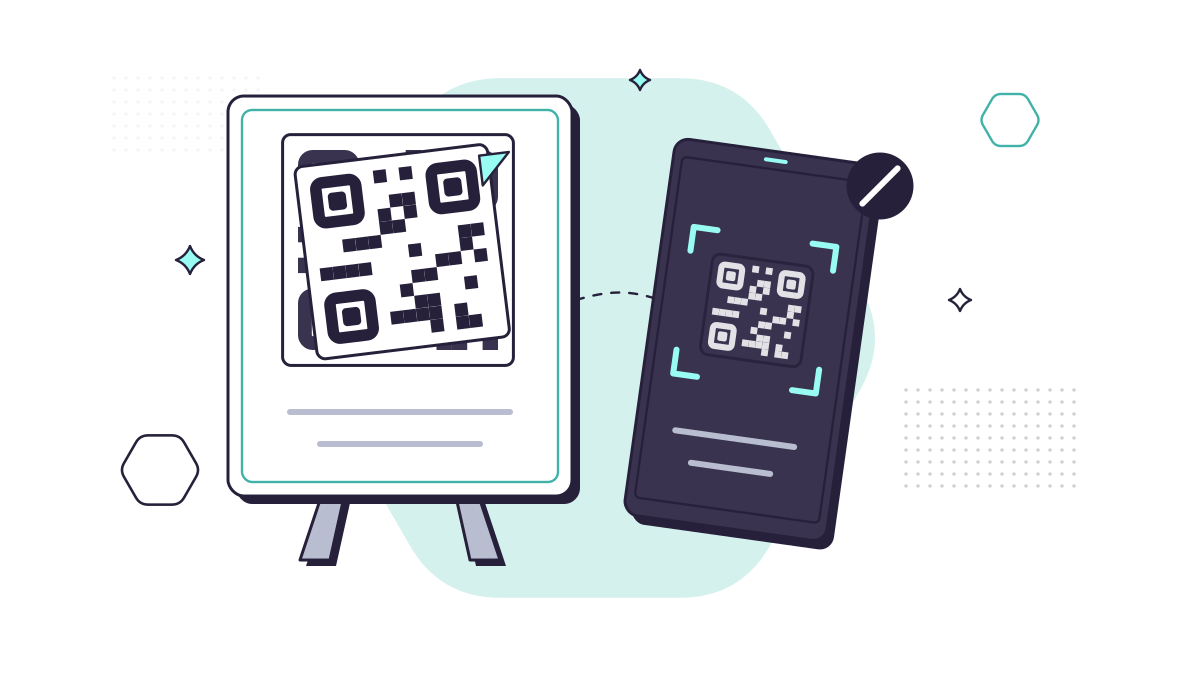
A QR code is just a web link in picture form, which is exactly why criminals like it. You can’t read where it goes before you scan, and a sticker costs pennies. QR code phishing, often called “quishing”, means using a fake code to send you to a fake payment page, sign-in page or app download.
The NCSC says QR fraud is still relatively small next to other kinds of cyber fraud, but it’s growing and it’s easy to avoid once you know the pattern.
Where fake QR codes turn up
Car parks and parking meters
This is the version most people in the UK will meet. Criminals stick their own code over the genuine one on a pay-and-display machine or sign. You scan it, land on a convincing payment page, and hand over your card details. You may also get a parking fine, because you never actually paid for your parking.
An investigation by the Bureau of Investigative Journalism in June 2025 found that 123 of the 373 councils it surveyed said their car parks had been targeted in the previous year. It also reported Action Fraud figures of nearly 800 QR code fraud reports in the 12 months to April 2025, with victims losing £3.5m in total.
Work emails and PDFs
The NCSC gives three reasons criminals now put QR codes in phishing emails:
- people have learned to be wary of odd-looking links, and a QR code hides the link;
- not all email security tools read images, so the code may get through;
- people scan with their own phone, outside the business’s protection.
These emails usually claim you need to “re-verify” your Microsoft 365 account, sign a document or set up MFA. The code leads to a fake Microsoft sign-in page.
Posters, flyers, menus and letters
Anywhere a code is printed, it can be covered or swapped. Offers that seem too generous and requests for a small “release fee” are the usual signs.
What happens when you scan a fake code
Scanning a code doesn’t by itself do anything to your phone. It opens a web page. The damage comes next, when you:
- type card details into a fake payment page;
- sign in on a fake login page, giving away your password;
- download an app from a link rather than the official app store.
That’s good news, because it means a few habits stop almost all of it.
How to scan QR codes safely
- Look before you scan. Check whether the code is a sticker on top of something else, is peeling, or looks out of place.
- Read the address your phone shows you. Your phone’s camera previews the link before it opens. If the domain isn’t the organisation you expect, don’t open it.
- Pay the way you already trust. For parking, use the operator’s app you already have, a website you type in yourself, or the machine. Many car park signs also show a location code you can type into the app.
- Never sign in to work accounts from a QR code. Treat any email asking you to verify your account by scanning a code as suspicious, and check with your IT support first.
- Only install apps from the official store. The NCSC’s small organisations guide points out that apps in your device’s built-in store are vetted before release.
- Keep your phone up to date so it has the latest security fixes.
What businesses should do
If your staff use their own phones for work, a QR code in an email is a quick way round the protection on their work laptop. Three steps help:
- Tell people about it. A two-minute mention in a team meeting, or a phishing simulation that uses a QR code, does more than a policy nobody reads.
- Check your email filtering. Ask whether your email security checks QR codes in messages and attachments.
- Protect sign-ins as well as inboxes. Multi-factor authentication, and passkeys where you can, mean a stolen password alone isn’t enough.
Our cyber security service includes email protection and security awareness training with phishing simulations. Scam texts work in a similar way, and we cover those in our guide to smishing.
If you’ve already scanned and paid
- Call your bank straight away, using the number on your card or 159, which connects you to most UK banks.
- Report it to Report Fraud (England, Wales and Northern Ireland, which replaced Action Fraud in December 2025) or to Police Scotland on 101.
- Tell the car park operator or council so the sticker comes down.
- If it was a work sign-in, tell your IT support and change the password at once.
- Forward any QR code phishing email to report@phishing.gov.uk.
Questions people ask
Can scanning a QR code hack my phone?
Scanning on its own just opens a web link. The harm comes from what you do next: entering card details or a password on a fake site, or installing an app from outside the official app store.
Do I need a special QR code scanner app?
No. The camera built into an up-to-date iPhone or Android phone is fine, and it shows you the web address before opening it. Avoid installing extra scanner apps you don’t need.
I paid for parking with a QR code and think it was fake. What now?
Call your bank straight away, using the number on your card or 159, and ask them to stop the card. Then report it to Report Fraud or, in Scotland, Police Scotland on 101, and tell the car park operator so the sticker can be removed.