Microsoft Intune for Small Businesses: What It Does and How to Start
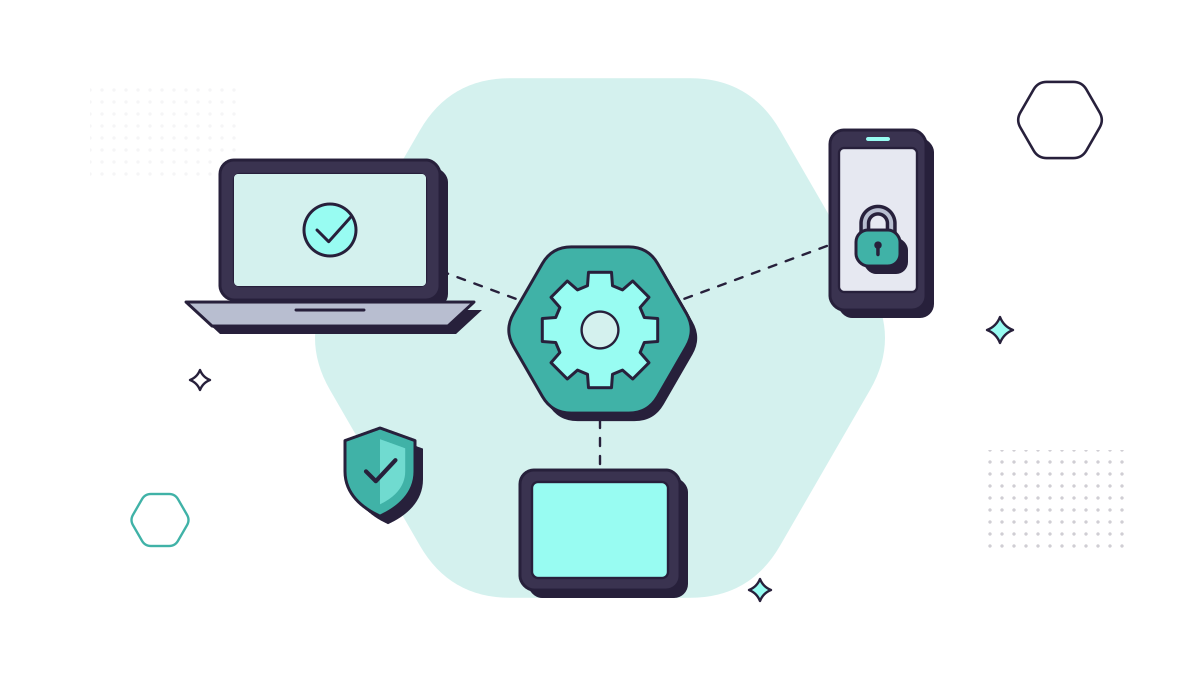
Keeping track of laptops and phones usually means a spreadsheet, if anything: who has which laptop, whether it’s encrypted, whether it’s had this month’s updates. Microsoft Intune replaces that with settings you choose once and apply everywhere.
Business Premium includes Intune Plan 1, the core service for managing devices and apps, along with the Microsoft Entra ID P1 licence that lets you block devices that don’t meet your rules. Business Basic and Business Standard don’t include it.
What Intune does for a small business
Sets up new laptops without IT touching them. With Windows Autopilot, a new laptop can go straight from the supplier to the employee. They sign in with their work account and it sets itself up with your apps, settings and security.
Keeps devices encrypted. Intune can switch on BitLocker, silently if you like, and store the recovery keys safely in Microsoft Entra ID, so a lost laptop doesn’t mean exposed data.
Keeps devices updated. Update policies control when Windows and Microsoft 365 apps update, and Windows Autopatch, included with Business Premium, can manage the whole process.
Blocks devices that don’t meet your rules. Compliance policies mark each device as compliant or not: encrypted, updated, protected by a PIN. Conditional Access can then refuse access to company data from any device that isn’t.
Protects work data on personal phones. Many small businesses let staff use their own phones for email and Teams. App protection policies apply only to the work apps: they can stop company data being copied into personal apps, require a PIN to open Outlook, and when someone leaves, remove company data from those apps without touching their photos or messages.
Wipes lost devices. A laptop or company phone enrolled in Intune can be wiped remotely if it’s lost or stolen.
Do you need the Intune Suite?
Our original version of this post, in 2023, asked whether businesses should buy the new Intune Suite. For most small businesses, the answer is still no.
The Intune Suite adds advanced capabilities on top of Plan 1, such as Remote Help, Endpoint Privilege Management (letting people run specific tasks as an administrator without being one) and Enterprise App Management. In December 2025, Microsoft announced it would add several of them to its Microsoft 365 E3 and E5 plans, the enterprise plans for larger organisations, which began rolling out in the third quarter of 2026. Business Premium isn’t part of that change.
The Suite and its individual add-ons are still sold, and each needs Intune Plan 1. If one of them solves a specific problem for you, Microsoft offers a 90-day trial for up to 250 users.
Intune and Cyber Essentials
Cyber Essentials expects every device that accesses company data to be secured and kept up to date, including personal phones used for work email (phones used only for calls, texts and an authenticator app are out of scope). The current requirements treat a mobile device management service as in scope itself, and note that managing devices centrally makes certifying more straightforward, because you can show that encryption, updates and screen locks are applied everywhere. We hold Cyber Essentials Plus ourselves.
How to start
- List your devices: which laptops and phones open company data, and which are company-owned or personal.
- Decide your approach to personal phones. App protection is usually the right balance: work data protected, personal phones left alone.
- Enrol company laptops, starting with new ones through Autopilot, then existing ones.
- Set the basics: encryption, a screen lock, update policies and antivirus, then a compliance policy that checks them.
- Test with a few people before switching on Conditional Access for everyone, so nobody is locked out by surprise.
If you’d rather not do it yourself, we set up and manage devices for our clients, and mobile device management for company phones and tablets is one of our add-ons. Our guide to Microsoft 365 for small businesses explains what else Business Premium includes, and 9 ways to keep business phones and tablets secure covers phones in more detail.
Questions people ask
Is Intune included in Microsoft 365 Business Premium?
Yes. Business Premium includes Intune Plan 1, the core service for managing devices and apps, along with Microsoft Entra ID P1, which you need for Conditional Access. Business Basic and Business Standard don’t include it.
Do small businesses need the Intune Suite?
Usually not. The Intune Suite adds advanced capabilities such as Remote Help and Endpoint Privilege Management. Microsoft is adding several of them to its Microsoft 365 E3 and E5 enterprise plans, but not to Business Premium; they’re still sold as add-ons, each needing Intune Plan 1. Most small businesses are well served by Plan 1.
Can Intune manage staff’s personal phones?
Yes, without taking them over. App protection policies apply only to work apps such as Outlook and Teams, and when someone leaves, a selective wipe removes company data from those apps and nothing else. A full device wipe only works on devices enrolled in Intune.
Does Intune help with Cyber Essentials?
It helps. The Cyber Essentials requirements note that managing devices centrally makes certification more straightforward, because you can show settings such as updates and encryption are applied.
Sources
- Microsoft Learn: Microsoft Intune licensing (13 May 2026)
- Microsoft UK: Microsoft 365 Business Premium
- Microsoft Learn: App protection policies overview (4 March 2026)
- Microsoft Learn: Device compliance overview (2 July 2026)
- Microsoft Learn: Encrypt Windows devices with BitLocker in Intune (updated 28 September 2026)
- Microsoft Learn: Windows Autopilot requirements (updated 21 May 2026)
- Microsoft Learn: Windows Autopatch prerequisites (26 February 2026)
- Microsoft Tech Community: Microsoft 365 adds advanced Microsoft Intune solutions at scale (4 December 2025)
- Microsoft UK: Microsoft Intune pricing
- Microsoft Learn: Intune advanced capabilities trial (20 May 2026)
- NCSC: Cyber Essentials requirements for IT infrastructure v3.3 (April 2026, PDF)