Social Media Phishing: 6 Ways to Protect Yourself and Your Business
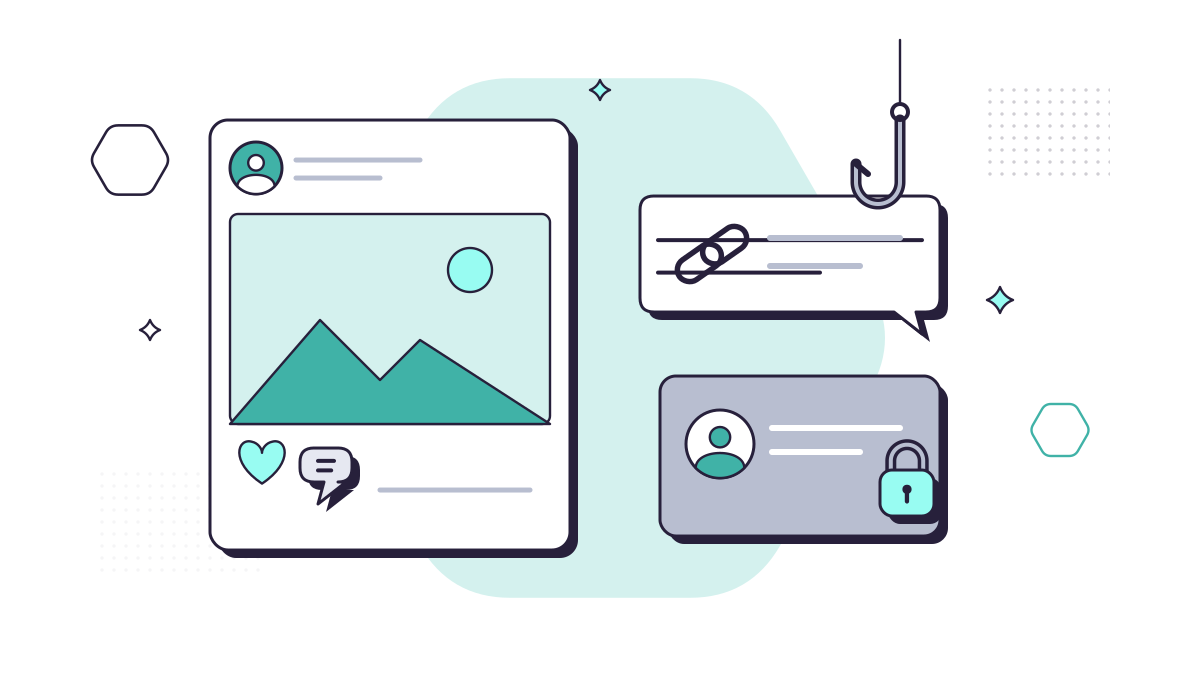
Phishing doesn’t only arrive by email. On social media and professional networks like LinkedIn, people are relaxed, chatting, and more willing to click. Scammers know that, and they use fake profiles, direct messages and adverts to reach you.
The scale is significant. UK Finance’s Annual Fraud Report 2026 found that 66% of authorised push payment fraud cases in 2025, where people are tricked into sending money themselves, were enabled by online sources such as websites and social media.
Here are six habits that make you much harder to fool.
1. Share less, and lock down who can see it
Everything you post publicly helps a scammer build a believable message: where you work, who your colleagues are, when you’re on holiday, your pet’s name. The NCSC points out that criminals use your digital footprint to make phishing messages more convincing.
- Use each platform’s privacy settings so personal posts are visible to friends only.
- Hide your friends or connections list. Facebook and LinkedIn both let you do this, which makes it harder for someone to clone your profile and contact the people you know.
- Skip the “which character are you?” quizzes and “your first car plus your street name” posts. The answers are often the same as common security questions.
LinkedIn is different, because a public profile is part of doing business. Keep it professional and leave out personal details.
2. Turn on two-step verification everywhere
A taken-over social account is a powerful tool for a criminal: messages from it arrive with your name and photo attached. Two-step verification (2SV) means a stolen password isn’t enough on its own.
Pay special attention to the accounts that run your company’s pages. Make sure:
- every admin has 2SV switched on;
- there are at least two admins, so you can’t be locked out;
- people who have left the business are removed.
3. Treat links in direct messages with suspicion
Links are the main way social phishing works. A message might come from a “prospective client” on LinkedIn with a brief to look at, a “recruiter” with a job description, or a friend saying “is this you in this video?”. The link leads to a fake sign-in page or a malicious download.
Unless you were expecting it and know the sender, don’t click. If it claims to be a document, ask them to email it, so it goes through your company’s email filtering. And never sign in to Microsoft 365 from a link sent in a social media message. Our guide to fake sign-in pages explains why.
4. Check before you accept a connection request
Accepting a request is often the first step before the direct message arrives. Before you accept, look at the profile:
- Was it created recently?
- Does it have real posts and interaction, or just a photo and a job title?
- Do the name, photo and employer actually fit together?
- Are your mutual connections people you know, or a cluster of other strangers?
The NCSC also suggests looking at verification badges and account creation dates where a platform shows them. If in doubt, ignore the request. A genuine contact will find another way to reach you.
5. Buy from the seller’s website, not the advert
Social media adverts for cut-price tech, event tickets or holiday lets are a common front for purchase scams. These are the most common type of authorised push payment scam, making up 71% of cases in 2025 according to UK Finance, which notes they usually involve an online platform or social media.
If an advert catches your eye, go to the seller’s website directly by typing in its address. Pay by card, ideally a credit card, rather than a bank transfer, which is what scammers push for. Our guide to safer online shopping with password managers and virtual cards covers this in more detail.
6. Confirm odd messages from people you know
If a friend, colleague or client sends something out of character, such as an urgent request for money, a link with no explanation, or a request to move a conversation to WhatsApp, their account may have been taken over. The NCSC’s advice is to contact them by another method before you do anything.
This matters at work too. If a director messages on social media asking for a payment or a gift card, check with them in person or on a known phone number.
What this means for your business
Phishing is by far the most common attack UK businesses report: 38% of businesses experienced it in the past year, according to the Cyber Security Breaches Survey 2025/2026. Social media is simply another way in. It’s worth:
- including social media in your staff security training;
- agreeing who can post on and manage your company pages;
- making sure work devices have DNS filtering and up-to-date anti-virus, so one wrong click is less likely to do damage.
Our cyber security service includes security awareness training with phishing simulations, DNS filtering and managed anti-virus.
Questions people ask
How can I tell if a social media profile is fake?
Look for a recently created account, very few posts, a profile photo that looks like a stock image, a name that doesn’t quite match, and lots of connections with no real interaction. If someone you know sends something out of character, check with them by phone or text first.
Someone has set up a fake profile pretending to be our company. What do we do?
Report it to the platform using its impersonation reporting form, tell your clients and followers from your genuine accounts not to engage with it, and keep screenshots. If money has been lost, report it to Report Fraud.
Is it safe to log in to other websites with my Facebook or Google account?
It can be convenient, but it ties those sites to one account. If you use it, protect that account with a strong, unique password and two-step verification, and review which apps are connected every so often.