10 AI Tools Worth Using in a UK Office in 2026
You don’t need a stack of new apps to get value from AI. For most UK small businesses, the most useful tools are already inside the Microsoft 365 subscription they pay for, and the bigger job is deciding the rules before anyone starts.
You won’t be the only one looking. The government’s Cyber Security Breaches Survey 2025/2026 found that 31% of UK businesses were using AI, adopting it or actively considering it. Of those, only 24% had security practices in place to manage the risks.
First, agree one rule
Before you try any tool on this list, agree what must never go into an AI tool. For most companies that’s client personal data, anything confidential or privileged, and passwords. The NCSC advises against putting sensitive information into public AI tools, and ICAEW tells accountants not to load confidential client information into them.
Always use work accounts, not personal ones. Our posts on day-to-day AI rules for staff and what goes in a written AI policy cover this in more detail.
Tools already in Microsoft 365
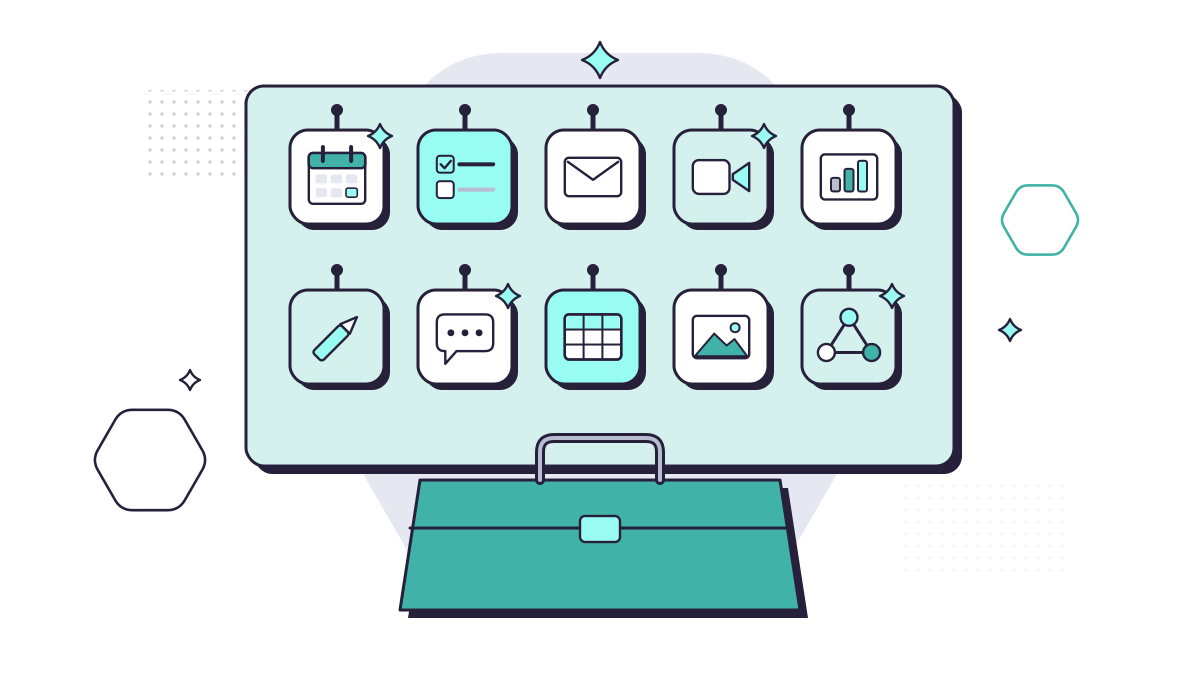
What you get depends on your licence. Microsoft’s own overview splits it three ways: Copilot Chat for everyone on an eligible plan, some Copilot features in Word, Excel, PowerPoint and OneNote without a paid add-on (with “standard access” that can vary at busy times), and the full experience with a paid Copilot licence, which can also search your emails, files and meetings.
1. Copilot Chat
A secure AI chat for work, at no extra cost with eligible Microsoft 365 business plans. When staff sign in with their work account, Microsoft’s enterprise data protection covers their prompts and responses. It answers from the web, and from a document only if you upload it or have it open. It’s the obvious place to start, and a far better home for staff experiments than a personal account on a public chatbot.
2. Copilot in Outlook
Summarises long email threads, drafts replies from a short prompt and offers coaching on tone and clarity. It’s handy for the 40-message thread you’ve just been copied into.
3. Copilot in Teams
Summarises meetings and pulls out action items, so nobody has to take notes. It relies on the meeting being transcribed, so tell attendees, and think twice before using it in meetings about clients’ personal matters.
4. Copilot in Word
Drafts, rewrites and summarises documents. Good for a first draft of a letter, procedure or proposal, as long as someone who knows the subject checks it before it goes anywhere.
5. Copilot in Excel
Suggests formulas, analyses data and builds charts from a plain-English request. Check the numbers it gives you. It can be confidently wrong.
6. Copilot in PowerPoint
Builds a first-draft presentation from a prompt or an existing document, and can apply formatting across a whole deck.
7. Copilot in Microsoft Edge
Summarises the web page or supported document you’re looking at. Useful for long guidance notes and consultation papers.
8. Researcher and Analyst
Ready-made agents included with Microsoft 365 Copilot Business. Researcher helps with research that draws on your work data and the web, and Analyst helps you work through data. Both need the paid licence.
9. Power Automate
Not strictly AI, but often the bigger time-saver. It runs routine jobs on its own: approvals, reminders, saving email attachments to the right folder, or posting in Teams when something needs doing. It comes with most Microsoft 365 business plans.
Outside Microsoft 365
10. A business plan for any other AI tool
If your team wants ChatGPT or another assistant, buy a business plan and approve it before anyone uses it. OpenAI says it doesn’t train its models on data from its business plans by default, but personal accounts work differently. Check where the data is stored and who can see it, and put the tool on your approved list.
What it costs
At the time of writing (October 2026), Microsoft UK lists Microsoft 365 Copilot Business, the add-on for companies with up to 300 users, at £16.10 per user per month ex VAT on an annual plan. There’s a promotional price of £13.80 for the first year on offers taken out between 1 July and 31 December 2026. You also need a qualifying Microsoft 365 plan.
You rarely need it for everyone. Give it to the people who write, summarise and search the most, then use the Copilot usage report to see who actually uses it.
Where to start
- Agree what data must never go into AI tools, and write down the approved list.
- Turn on Copilot Chat for everyone and show them where it is.
- Check SharePoint and OneDrive permissions before paying for Copilot, because the paid version can find anything a user can already open.
- Trial paid Copilot with a handful of people for a couple of months, then decide.
From our work
When we rolled out Copilot for one client, we began by explaining two risks most of their staff hadn’t considered. Free AI tools can keep what you type and use it for training. And an AI assistant can surface anything a person has access to, so loose file permissions could let someone ask it for everyone’s salaries, or pull up information they’d never have found on their own. We gave Copilot to a few people first, with an AI policy and training on Copilot Chat and Copilot, so nobody needed to turn to free tools. The team now uses AI to help write case studies and some of their standard operating procedures.
David Gilbey, Just Gilbey IT Solutions
If you’d like help with any of that, our AI & Copilot service covers the permissions clean-up, the staff rules and the roll-out.
Questions people ask
Is Copilot Chat free with Microsoft 365?
Yes, for eligible Microsoft 365 business subscriptions it comes at no extra cost. When staff sign in with their work account it has Microsoft’s enterprise data protection. It mainly uses web data, though, so it won’t search your emails and files unless you upload or open them, or have a paid Copilot licence.
Is it safe to use ChatGPT for work?
Only with rules. The NCSC advises against putting sensitive information into public AI tools. If your company wants ChatGPT, use a business plan (OpenAI says it doesn’t train on business data by default), approve it in writing and keep client data out unless you’ve checked the terms.
Do we need a paid Copilot licence for everyone?
Usually not. Start with the people who write, summarise and search the most, check the usage report after a couple of months, and move licences to the people who actually use them.
Sources
- Microsoft Learn: What is Microsoft Copilot? (updated October 2026)
- Microsoft UK: Microsoft 365 Copilot for business, plans and pricing
- Microsoft Learn: Microsoft Copilot usage report
- GOV.UK: Cyber security breaches survey 2025/2026 (30 April 2026)
- NCSC: ChatGPT and large language models, what’s the risk?
- ICAEW: Generative AI and ethics
- OpenAI: Business data privacy, security and compliance