Getting Rid of Old IT Equipment Responsibly: 11 Steps for UK Offices
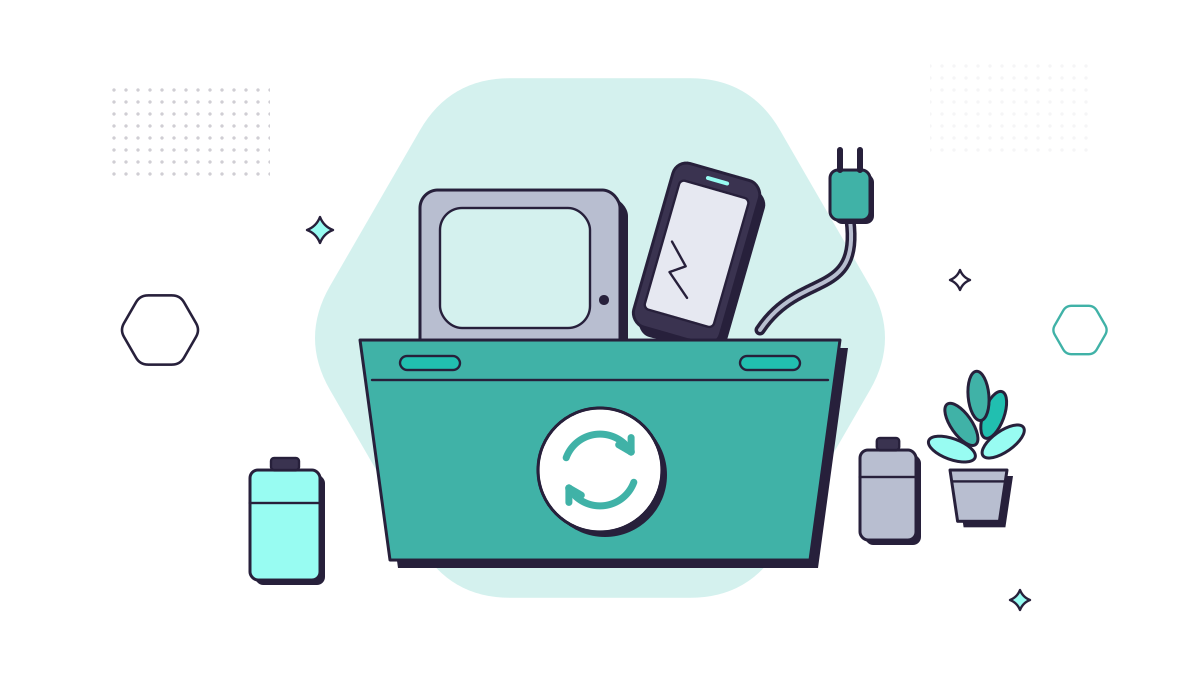
Every office has one: the cupboard of old laptops, phones, a printer nobody uses and a box of cables. Getting rid of it properly matters for two reasons. Those devices can still hold client and company data. And electrical waste contains materials that shouldn’t go to landfill, which is why UK law controls how businesses dispose of it.
Here are eleven steps, roughly in the order you’d do them.
Before anything leaves the building
1. Know what you’re getting rid of
Make a simple list: the device, its serial number, who used it and what’s on it. Include the things people forget hold data:
- phones and tablets, plus their SIM and memory cards
- printers and photocopiers, many of which have an internal drive
- USB sticks and external drives
- routers, firewalls and network storage, which store passwords and settings
2. Move the data you need
Check that anything important on the device is somewhere else first. If staff files are in OneDrive or SharePoint already, this is quick. If not, our post on OneDrive Known Folder Move explains how to stop files living only on laptops.
3. Sign it out of everything
Remove the device from your Microsoft 365 and device management (such as Intune), turn off Find My or Activation Lock on Apple devices, and sign out of browsers and apps. A device still linked to an account can lock out its next owner, or leave a way back into yours.
4. Wipe it properly
The NCSC’s guidance is blunt: “Simply hitting the ‘Delete’ key isn’t enough.” What to do depends on encryption:
- Encrypted devices (BitLocker on Windows, FileVault on a Mac, and most modern smartphones): a manufacturer’s factory reset deletes the encryption keys, which the NCSC says gives “a satisfactory level of assurance” for most devices.
- Unencrypted devices: overwrite the whole drive, ideally with a tool that verifies the result.
- Drives that can’t be wiped, because they’re broken or there’s no reset option: destroy them. The NCSC specifies particles of 6mm or less, which in practice means a specialist shredding service.
Our post on where deleted files go explains why deleting files isn’t enough.
5. Keep a record
Note what was wiped or destroyed, how, by whom and when. If you use a disposal company, get a certificate of data destruction for each device. If a client or the ICO ever asks how you handled personal data on old equipment, this is your answer.
Reuse first
6. Redeploy, donate or sell
UK waste law puts prevention and reuse ahead of recycling. A laptop that’s too slow for one role may be fine for another, and working devices can go to staff, schools or charities once they’ve been wiped. Selling through a reputable refurbisher can recover some of the cost.
7. Buy with the end in mind
When you buy new equipment, choose devices that are built to last and can be repaired, and ask the supplier about take-back. Replacing a few machines each year, as part of an IT roadmap, also stops the cupboard filling up.
Recycle the rest legally
8. Never put electricals in the general waste
Under the Waste Electrical and Electronic Equipment (WEEE) Regulations 2013, electrical waste is collected and treated separately. For businesses, the waste duty of care also applies. You must:
- use a registered waste carrier, and check its registration
- complete a waste transfer note for each load that leaves your premises
- keep those notes for two years (non-hazardous waste)
Some electrical waste counts as hazardous, which brings extra rules. GOV.UK’s hazardous waste guidance explains what applies.
9. Ask your supplier about take-back
Producers of business electrical equipment have to finance the collection and treatment of it when it becomes waste. That covers equipment they placed on the market on or after 13 August 2005, and older equipment you’re replacing with an equivalent new product, unless you’ve agreed other arrangements. It’s worth asking about when you buy.
10. Take batteries out and recycle them separately
Batteries, especially the lithium-ion batteries in laptops, phones and power banks, can start fires when they’re crushed in bin lorries and recycling centres. Fire services and the Recycle Your Electricals campaign warn about this regularly. Remove loose batteries where you can, tape the terminals, and use a battery collection point.
11. Use a certified disposal partner
For anything holding data, choose a disposal company that works to a recognised standard. The NCSC suggests looking for companies with recognised certifications or standards, such as its own CAS-S scheme or ADISA certification. A good provider will collect, wipe or destroy, recycle, and give you the paperwork for both the data and the waste.
At home
The same principles apply to household electricals. Wipe and sign out of phones and laptops before you pass them on. Find your nearest drop-off point with the postcode locator on Recycle Your Electricals. Shops that sell electrical equipment must also give you a way to return an old household item when you buy a new version of it.
Getting help
The data side is where most of the risk is, and it’s simplest when every device is encrypted from day one. That’s part of our cyber security service. If you’re replacing equipment, our managed IT support can help set up the new devices and move people’s data across.
Questions people ask
How do I wipe a laptop before getting rid of it?
Back up anything you need, sign out of every account and remove the device from any management system. If it’s encrypted (BitLocker on Windows, FileVault on a Mac), the NCSC says a manufacturer’s factory reset gives a satisfactory level of assurance for most devices. If not, overwrite the whole drive with a tool that verifies the result.
Can a business put old electricals in the general waste?
No. Waste electrical equipment must be kept out of general waste. Businesses have a duty of care: use a registered waste carrier, complete a waste transfer note for each load and keep it (two years for non-hazardous waste).
Who takes back old business IT equipment?
Under the WEEE Regulations, producers fund the collection of business electrical waste from equipment they placed on the market since 13 August 2005, and of older equipment you’re replacing with their equivalent new product, unless you’ve agreed otherwise. Ask your supplier about take-back when you buy.
Where can I recycle electricals from home?
Use the postcode locator on Recycle Your Electricals to find your nearest drop-off point. Shops that sell electrical equipment must also offer a way to take back an old household item when you buy a new version of it.
Sources
- NCSC: Secure sanitisation and disposal of storage media
- GOV.UK: Dispose of business or commercial waste
- GOV.UK: Waste duty of care code of practice
- GOV.UK: Electrical and electronic equipment (EEE): producer responsibilities
- GOV.UK: Electrical waste, retailer and distributor responsibilities
- legislation.gov.uk: The Waste Electrical and Electronic Equipment Regulations 2013
- GOV.UK: Dispose of hazardous waste
- North Yorkshire Fire and Rescue: Binned batteries cause fires
- Recycle Your Electricals (Material Focus)